
Creating Accessible Digital Content: A Guide for Educators
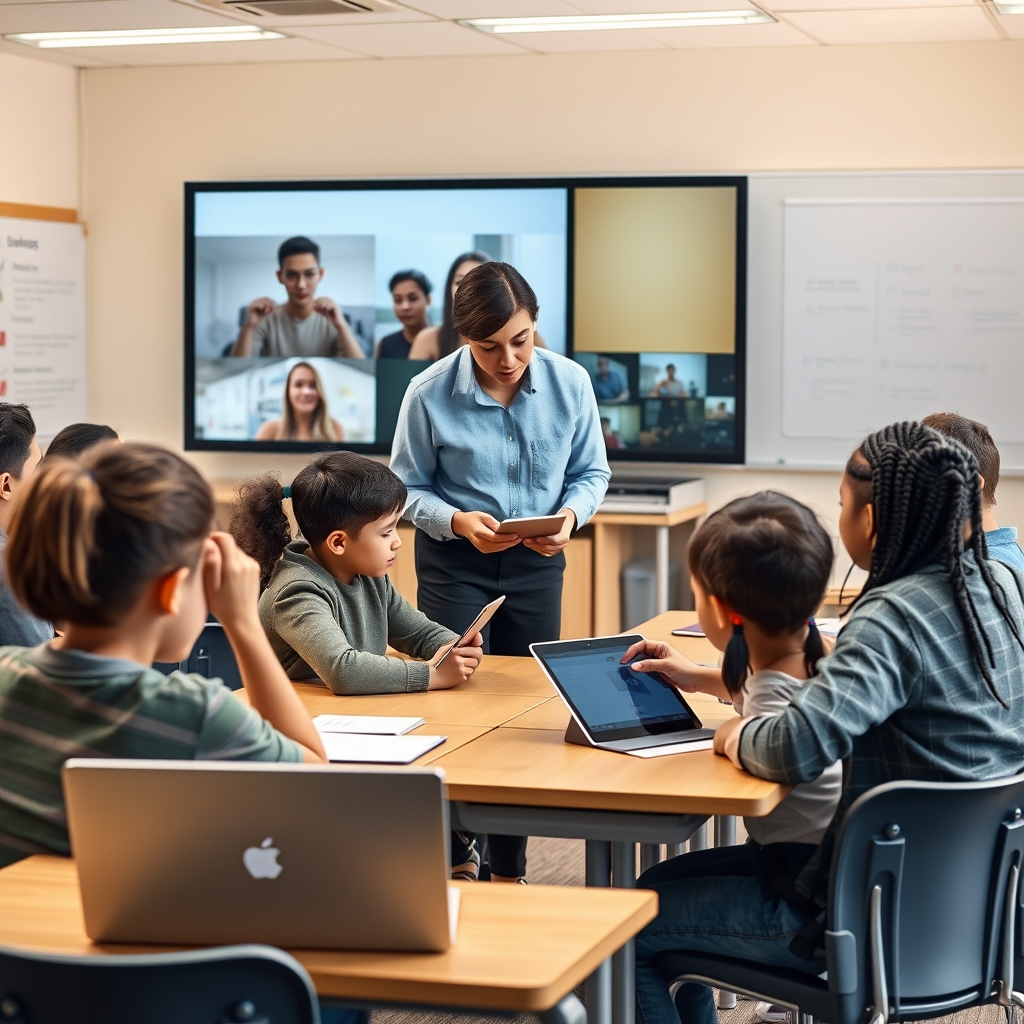
In today’s digital-first educational landscape, ensuring that learning materials are accessible to all students is not just a best practice—it’s a necessity. With diverse classrooms that include students with varying abilities, educators must prioritize accessibility to foster an inclusive learning environment. By adhering to principles like Universal Design for Learning (UDL) and the Web Content Accessibility Guidelines (WCAG), educators can create digital content that empowers every learner to succeed.
The Importance of Accessible Digital Content
Accessibility in digital content means removing barriers that might prevent students with disabilities from fully engaging with learning materials. These disabilities can range from visual or hearing impairments to motor or cognitive challenges. When digital content is designed with accessibility in mind, it benefits not only students with disabilities but also those who may face situational limitations, such as slow internet connections or temporary injuries. Moreover, accessible content aligns with legal requirements in many regions, ensuring compliance with standards like the Americans with Disabilities Act (ADA) or the European Accessibility Act.
Key Principles of Universal Design for Learning (UDL)
Universal Design for Learning (UDL) is a framework that guides the creation of flexible learning environments that accommodate individual learning differences. UDL is built on three core principles:
1. Multiple Means of Engagement
Students are motivated to learn in different ways. Some may thrive in collaborative settings, while others prefer independent study. To engage all learners, educators should provide options for how students interact with content. This could include offering choice in assignments, incorporating gamification, or using real-world scenarios to make learning relevant and meaningful.
2. Multiple Means of Representation
Information should be presented in various formats to cater to different learning styles. For example, a lesson on photosynthesis could include a written explanation, an infographic, a video demonstration, and an interactive simulation. By providing multiple representations, educators ensure that students can access the material in the way that best suits their needs.
3. Multiple Means of Action and Expression
Students should have the flexibility to demonstrate their understanding in different ways. Traditional assessments like written tests may not be suitable for all learners. Instead, educators can offer alternatives such as oral presentations, creative projects, or digital portfolios. This principle ensures that students can express their knowledge in a manner that aligns with their strengths.
WCAG Compliance: A Technical Framework for Accessibility
The Web Content Accessibility Guidelines (WCAG) provide a set of technical standards to make digital content accessible. WCAG is organized around four key principles, often referred to as POUR:
1. Perceivable
Content must be presented in ways that users can perceive, regardless of their sensory abilities. This includes providing text alternatives for non-text content (e.g., alt text for images), offering captions for videos, and ensuring that content is adaptable to different formats, such as braille or large print.
2. Operable
Users must be able to navigate and interact with digital content using various tools, such as keyboards or screen readers. This means avoiding content that requires precise mouse movements or timed responses, as these can be challenging for students with motor disabilities. Additionally, providing clear navigation and consistent layouts helps all users find and interact with content more easily.
3. Understandable
Content should be clear and predictable. This involves using simple language, avoiding jargon, and providing instructions or definitions where necessary. For students with cognitive disabilities, predictable navigation and consistent design elements can reduce confusion and improve comprehension.
4. Robust
Digital content must be compatible with a wide range of technologies, including assistive devices like screen readers or voice recognition software. This ensures that content remains accessible as technology evolves. Using standard coding practices and validating content for compliance with accessibility standards can help achieve robustness.
Practical Steps for Educators
Creating accessible digital content doesn’t have to be overwhelming. Here are some practical steps educators can take to get started:
1. Start with Simple Adjustments
Begin by making small changes to existing materials. For example, add alt text to images, ensure that videos have captions, and use headings to structure documents. These adjustments can significantly improve accessibility without requiring a complete overhaul of your content.
2. Use Accessible Tools and Platforms
Choose digital tools and platforms that prioritize accessibility. Many learning management systems (LMS) and content creation tools, such as Google Docs or Microsoft Office, include built-in accessibility features. Familiarize yourself with these tools and use them to create content that meets accessibility standards.
3. Test for Accessibility
Regularly test your digital content for accessibility. Tools like WAVE or axe can help identify potential issues, such as missing alt text or poor color contrast. Additionally, consider involving students with disabilities in the testing process to gain valuable feedback on how well your content meets their needs.
4. Foster an Inclusive Mindset
Accessibility should be a continuous priority, not a one-time effort. Encourage colleagues to adopt accessible practices and share resources or training opportunities. By fostering a culture of inclusivity, educators can ensure that accessibility remains a central focus in digital content creation.
Designing accessible digital content is an ongoing journey that requires commitment and collaboration. By embracing frameworks like UDL and WCAG, educators can create learning materials that are not only compliant with standards but also genuinely inclusive. When digital content is accessible, it opens doors for all students to engage, learn, and thrive, regardless of their abilities or challenges. The effort to make education accessible is not just about meeting requirements—it’s about creating opportunities for every student to reach their full potential.